Writing Beamer presentations in org-mode
1. Introduction
1.1. Overview
This presentation provides an illustration of some of the capabilities of the Beamer export in org mode:
- simple slides (this one),
- slides with special blocks,
- multi-column slides and
- the use of Babel for literate programming.
This file should be exported using M-x org-export-dispatch specifying l for \LaTeX{} and then P, for instance, to generate the PDF.
2. Methodology
2.1. A simple slide
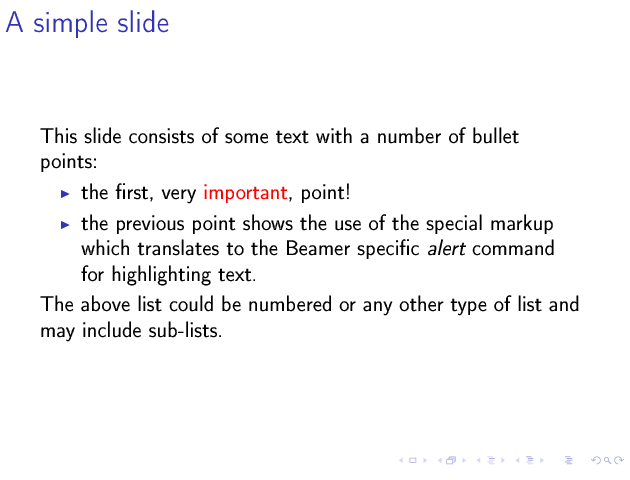
This slide consists of some text with a number of bullet points:
- the first, very important, point!
- the previous point shows the use of bold emphasis which is translated to a
\alert{}directive in \LaTeX.
The above list could be numbered or any other type of list and may include sub-lists.
2.2. A more complex slide
This slide illustrates the use of Beamer blocks. The following text, with its own headline, is displayed in a block:
2.3. Two columns
3. Conclusions
3.1. Summary
- org is an incredible tool for time management
- but it is also excellent for writing and for preparing presentations
- Beamer is a very powerful \LaTeX{} package for presentations
- the combination is unbeatable!